 Cal Otter
AI calorie tracker from a photo — it's easy
Snap a meal photo. Get calories, macros, and a plan built for your goals.

How it works
Nutrition tracking shouldn't be a chore.
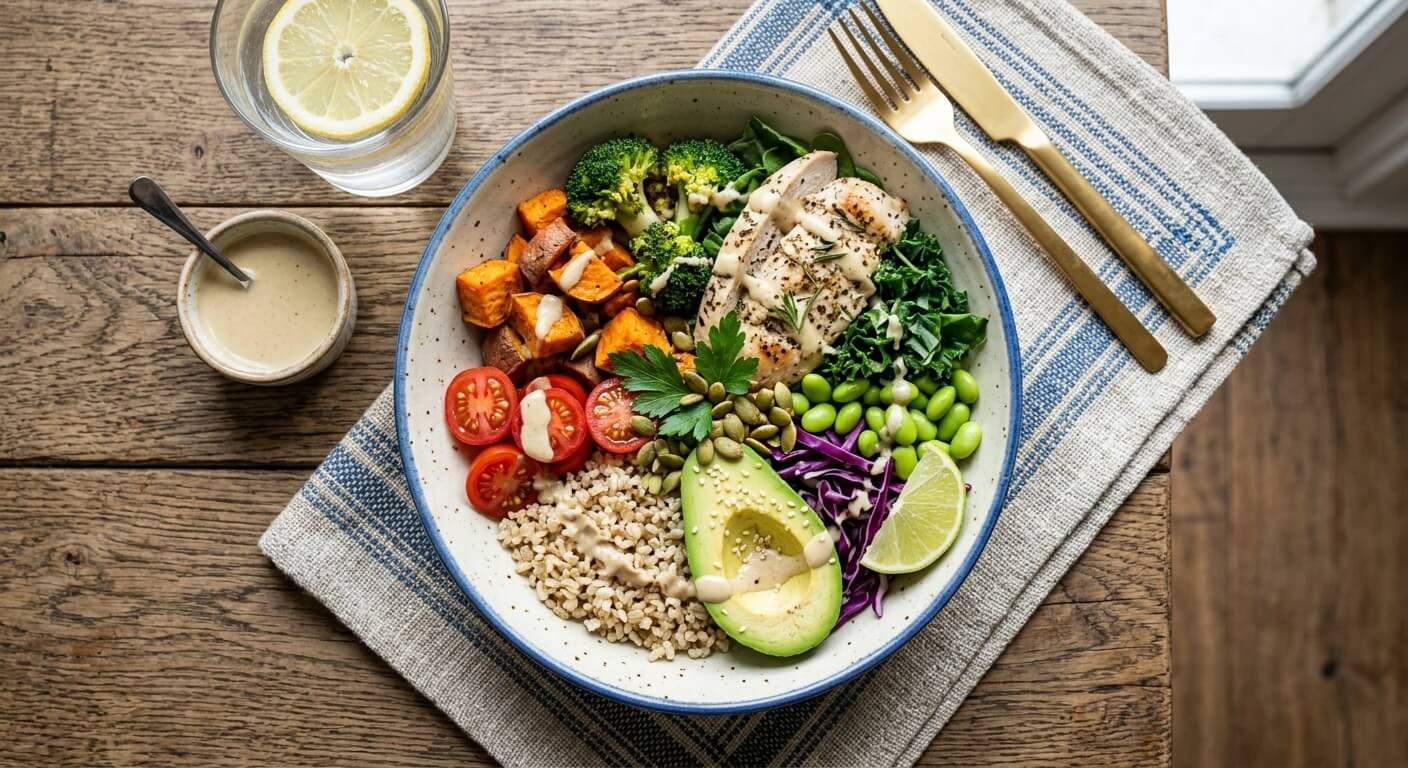
Snap your meal
No manual entry needed.
Get AI calories & macros in seconds
Instant insights from just a photo.
Follow a plan tailored to your goal
Lose, gain, or maintain effortlessly.
Everything you need to stay on track
An everyday calorie counter and nutrition tracker that fits your life.
AI meal scan
Just snap a photo for your food diary. Your macro tracker keeps protein, carbs and fat clear.
Personalized plan
Daily targets to help you stay in a calorie deficit to lose weight, maintain, or eat enough to gain.
Progress that sticks
Your meal tracker sits alongside weight trends, reminders and progress photos.
Apple Health sync (iOS)
Keep weight in sync automatically.

90% of users see change with Cal Otter…
"By letting Cal Otter scan my meals, I've reclaimed lots of time which I then use to work on my hobbies."
— Marcus Vance
"I used to obsess over macros for hours. Now I just snap a photo, log it, and not have to worry about it."
— Laura Camila
Common questions
Cal Otter questions, answered
How do I log food in Cal Otter?
Just snap a photo of your meal and Cal Otter estimates the calories and macros. For packaged food, snap the nutrition label or scan the barcode.
What does Cal Otter Pro include?
Cal Otter Pro unlocks unlimited food scanning: meal photos, nutrition labels, and barcodes. Subscriptions are billed through the Apple App Store.
Does Cal Otter sync with Apple Health?
Yes. You can connect Apple Health to keep your weight in sync. Cal Otter uses Apple Health for weight only; it does not track steps or workouts.
What do I need to run Cal Otter?
Cal Otter requires an iPhone with iOS 16.4 or later and an internet connection to analyze meals and look up barcodes. iPad is not supported.
Cal Otter
Download free